
Disclaimer
I did get this mouse sent out as a review unit, but all thoughts and opinions are entirely my own and have not been influenced in any way
Unboxing
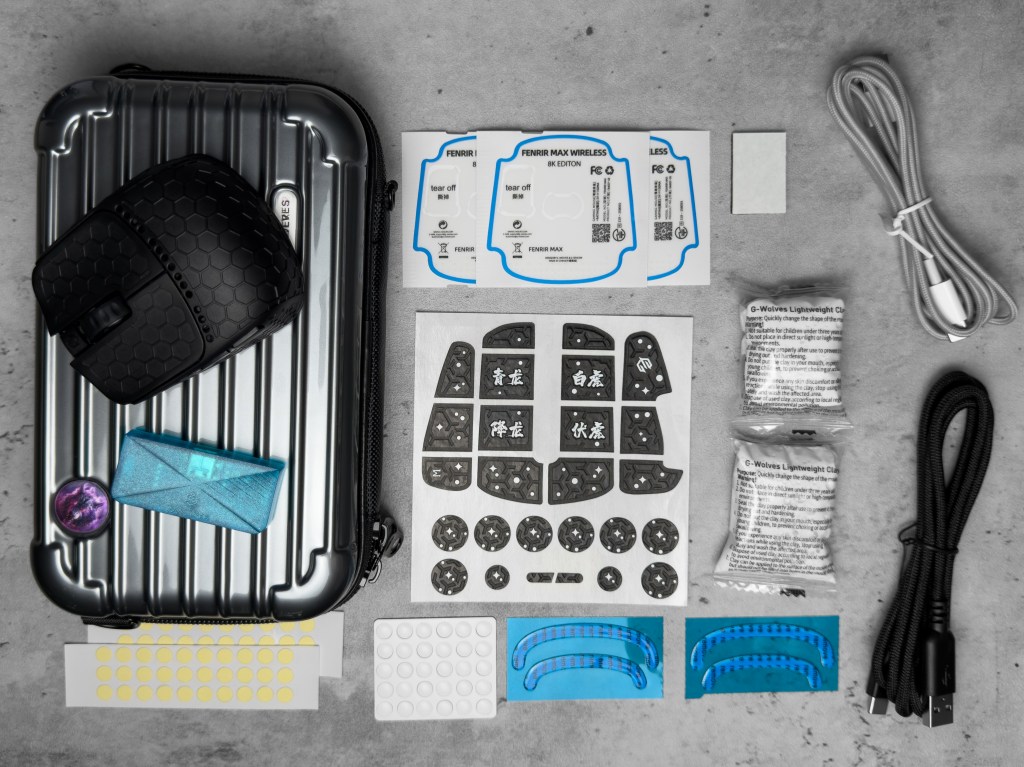
The unboxing of the Fenris Max 8k is by far the best experience I have had when getting a new mouse. The box itself stands out right away with lenticular art on almost all sides and a sticker of authenticity with a QR code, giving it both a premium and collectible feel. Inside the box, you get the mouse, an 8k dongle, a carrying case with a strap, two different cables, plenty of dust covers, dot skates, full skates, and several small bags of molding clay to tweak the shape of the mouse. Mine also came with two sleeves, though I’m not sure if that’s standard with every unit. It really feels like a full experience rather than just receiving a mouse in a box.
Design
Shell
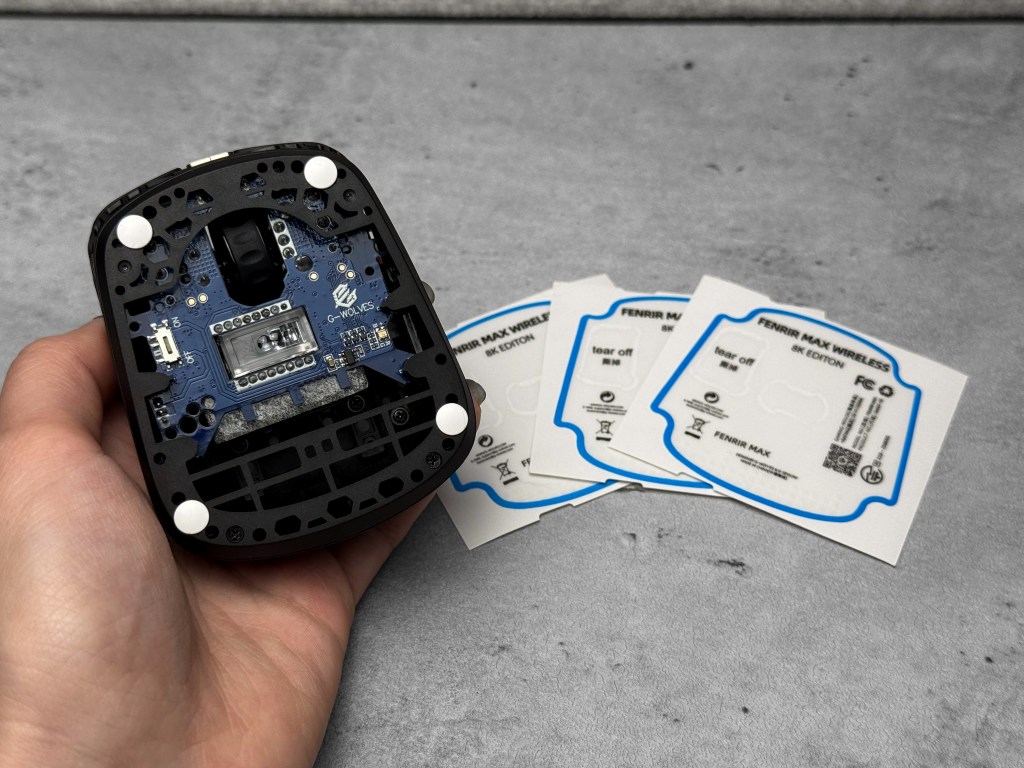
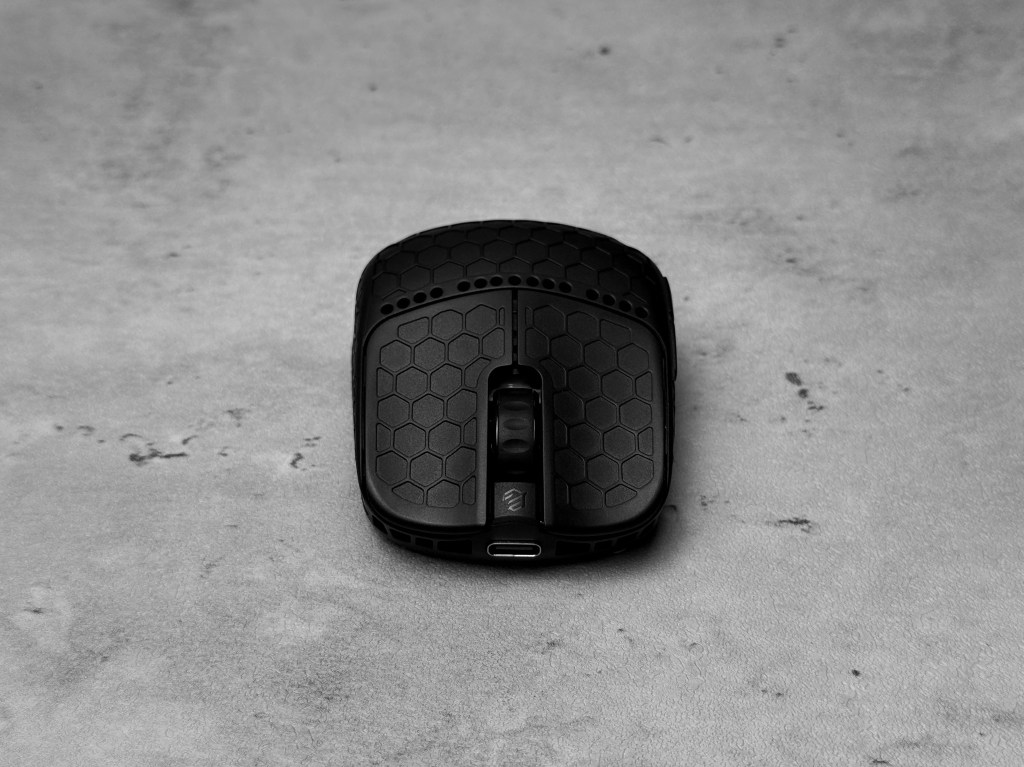
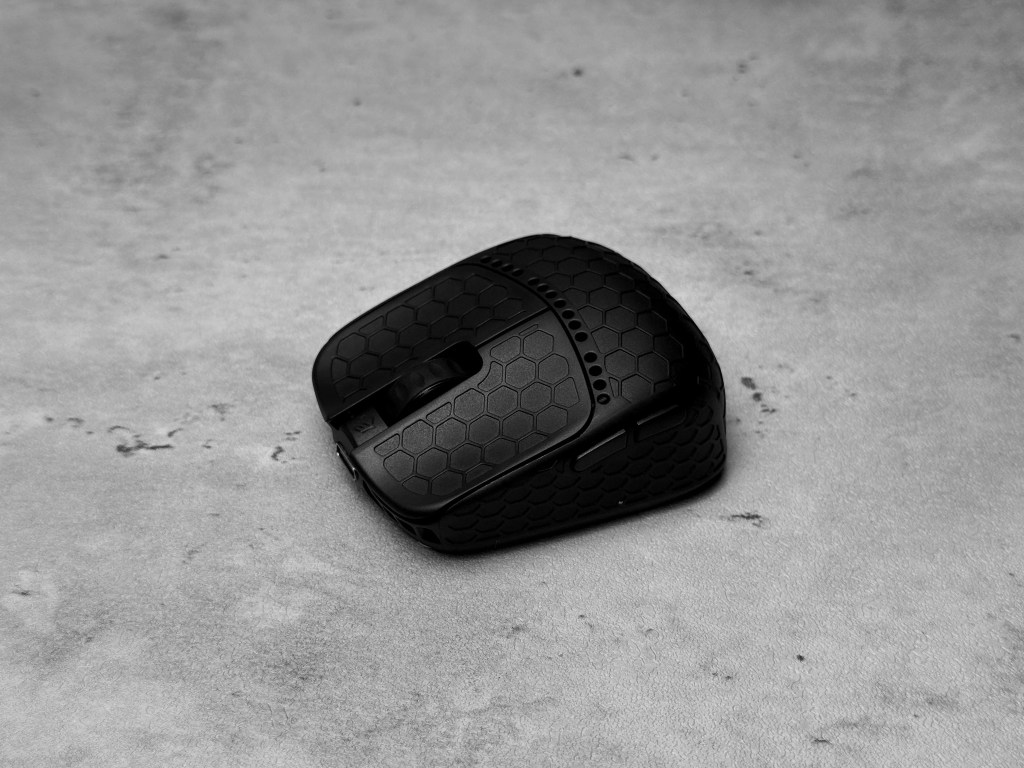
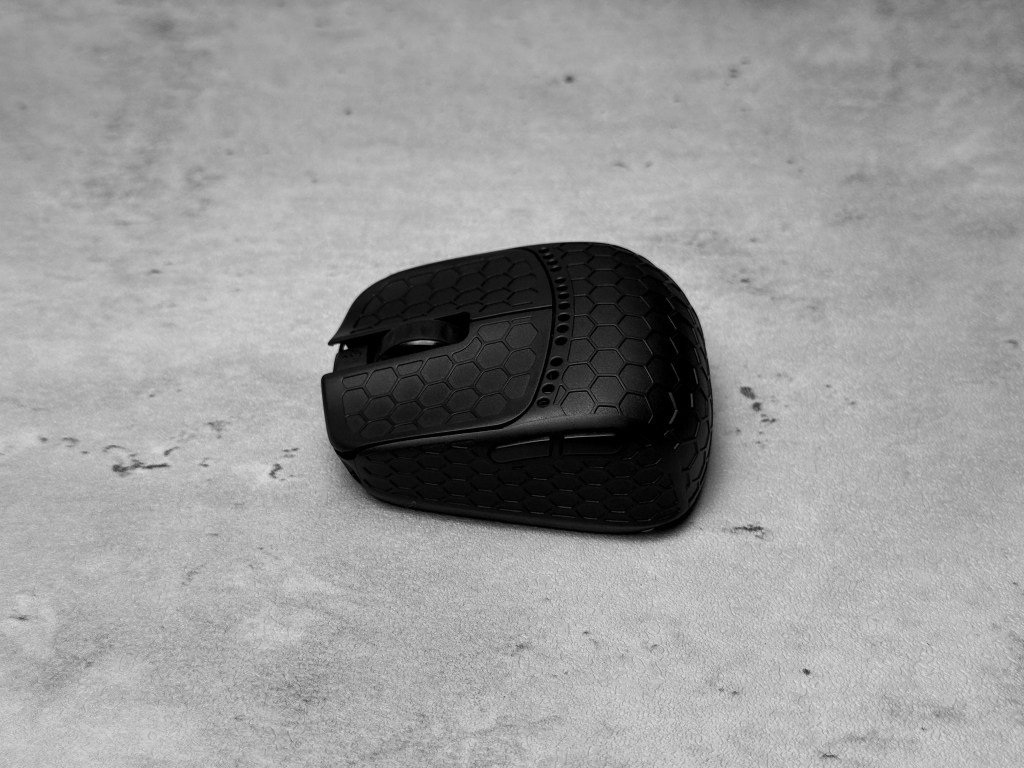
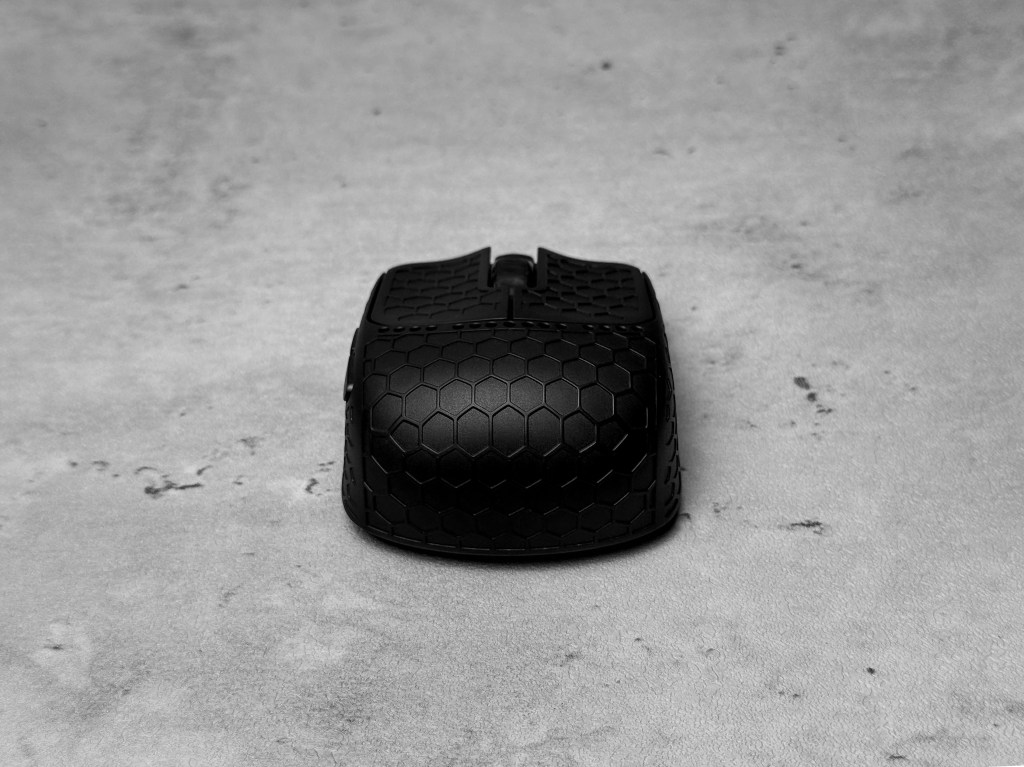
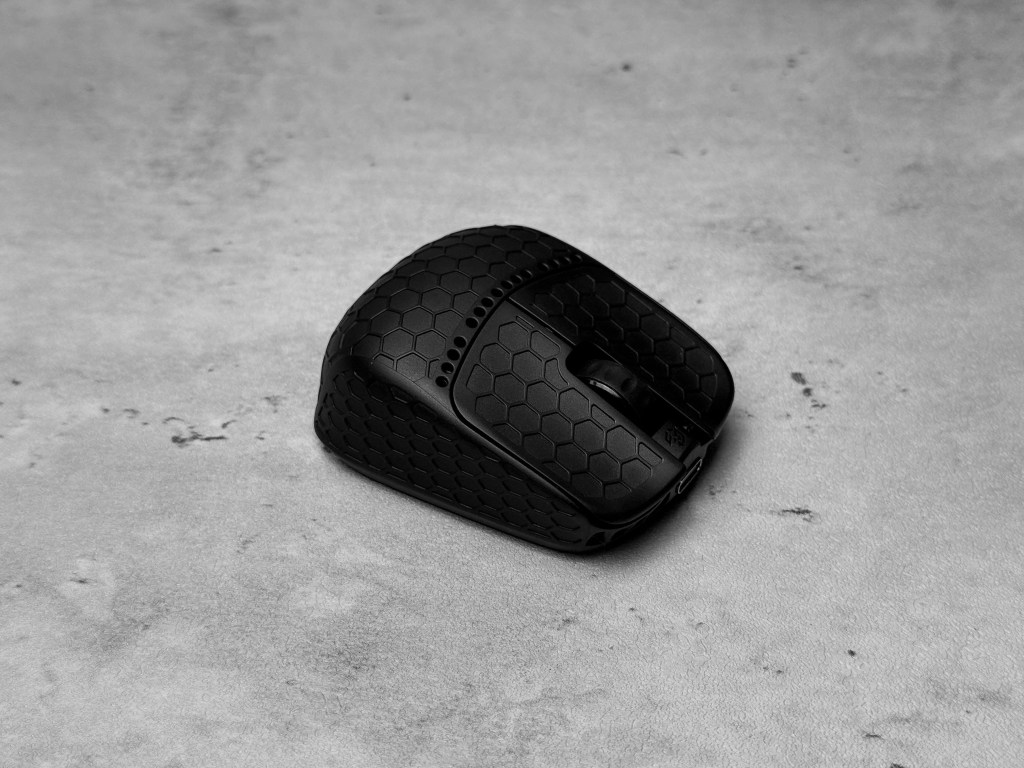
The shell on the Fenris Max 8k is pretty unique. Instead of the typical large holes used to shave off weight, it has a raised hexagon pattern across the top that actually adds a nice bit of grip without feeling sharp or awkward. It’s also uncoated, so you don’t get that slick or sticky feel some mice can develop after a while. I wasn’t sure how the pattern would feel during use, but it proved to be comfortable and easy to grip even during prolonged sessions. It might not be everyone’s cup of tea, especially if you’re super picky about surface coatings or have sweatier hands, but I haven’t had any issues. The bottom is open to help with weight reduction, but the mouse does come with multiple dust covers just in case you prefer to keep things closed off and better protected.
Shape
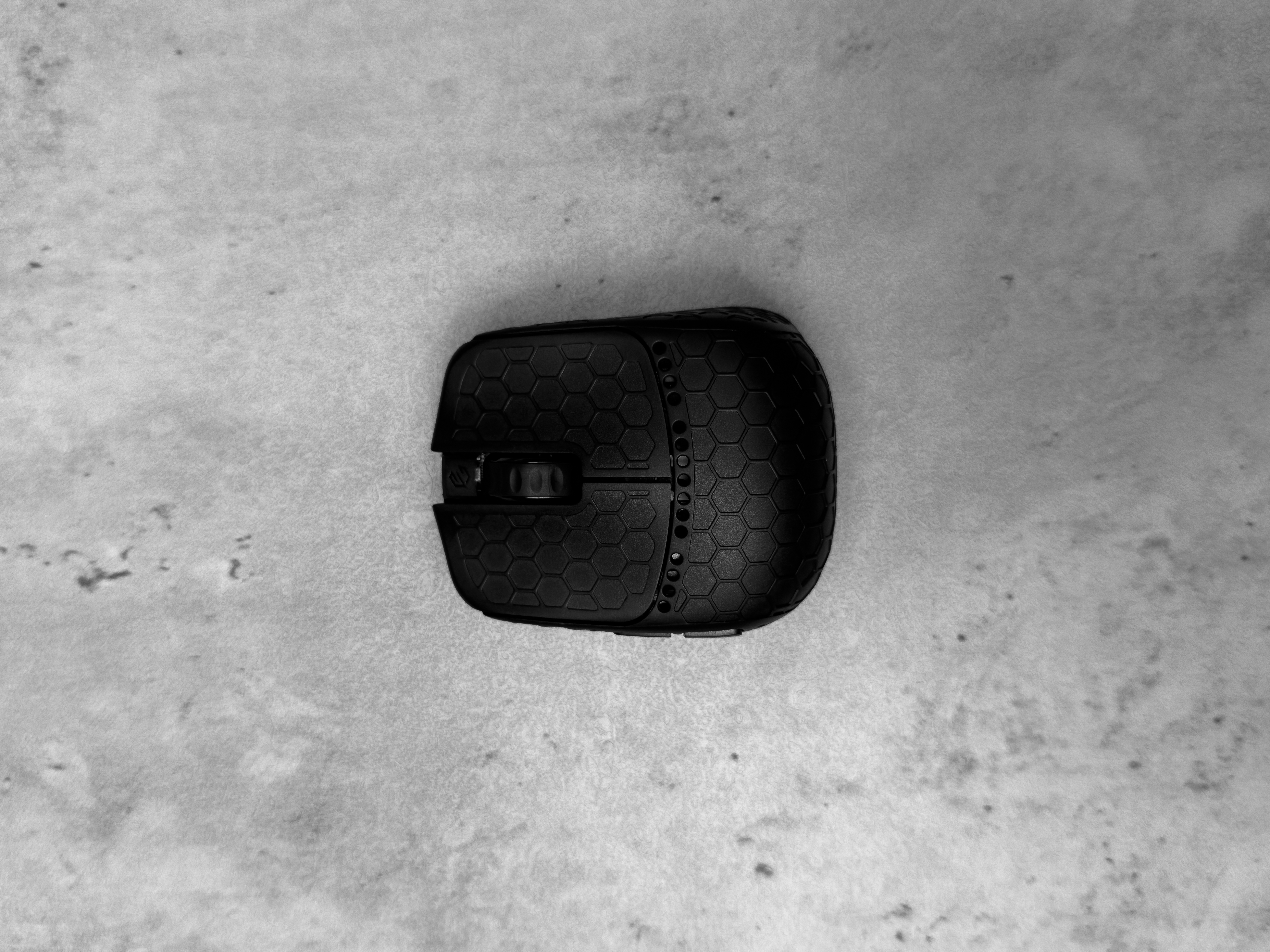
I don’t have any other fingertip style G-Wolves mice to compare directly, but after doing some research, I found that the Fenris Max 8k has a noticeably higher hump than most other popular options from the brand. It’s about the same width as the Fenrir Asym but definitely wider than the HSK Pro. I usually claw grip, so I was surprised by how comfortable and fast it was to adjust to the fingertip style of this mouse. If you don’t typically fingertip grip but are thinking about trying it, this is a pretty good mouse to start with. It almost feels like a normal sized mouse that’s been cut in half.

Weight
The Fenris Max 8K is advertised at around 22.4 grams. Mine weighed in at 23.87 grams without skates, which is pretty similar to what G-Wolves claims. I typically use lightweight mice, but nothing quite close to this. Throughout my use on this mouse, I have found the weight to make quite a few differences while gaming. I feel like I had a bit more control over my movements, and that it was easier to guide the mouse exactly where I wanted without much effort or strain on my wrist. It also made micro-adjustments more manageable and allowed for quicker movements.

Switches
The switches/clicks on the Fenris Max 8k feel very nice to use. G-Wolves doesn’t mention the specific switches used on their website, but I’d guess they are mechanical. Every button has a crisp and clean click, nothing feels muddy, and the response time is quick and consistent. Compared to the mice I normally use (AKITSU and Beast X Mini), the left and right clicks are noticeably more sensitive and easier to press while the side and middle mouse buttons have a bit more resistance.
Build Quality
Despite being extremely small and light, the Fenris Max 8K feels surprisingly sturdy in hand. The shell doesn’t flex, and the overall build quality is great. The open bottom design is also a nice feature, allowing easy access to the internals, which have proven to be on par with the quality of the shell. The only minor issue I noticed is that one of the side buttons has a little bit of wobble. It isn’t noticeable unless you are purposely trying to move it, but it is still worth mentioning.

Software
The G Wolves software is clean and easy to use. It’s compact but still includes all the settings you would want to adjust. I haven’t run into any issues with the mouse connecting or the settings saving. I don’t usually change my mouse settings often or switch between DPI levels, but the options are there and easy to access. The main tabs are key settings, parameter settings, and DPI settings, all clearly displayed on the main screen along with buttons for disconnect, refresh, reset, firmware download, and view. I also really like the built in translator, as I have run into issues with softwares not being the easiest to read and translate due to base language.

Summary
The Fenris Max 8K stands out from the moment you open the box. The extras along with the suitcase style case makes it feel more special than your typical mouse. It’s incredibly light but still feels sturdy and well built with no crazy QC issues. Although it is uncoated, the raised hexagon surface gives a good grip without feeling weird or uncomfortable. Even if you don’t usually fingertip grip, it’s very easy to adjust to and I would recommend it to those who are looking for a mouse to transition to fingertip with. The light weight makes it nice for quick and precise movements, which is great for games such as Valorant and Counter Strike 2. The software is clean and easy to navigate, including all the basic settings you’d expect customization for. All in all, the Fenris Max 8K feels like a solid choice for the $159 price point.

 Hanna Reviews
Leave a reply to aimlesss. Cancel reply